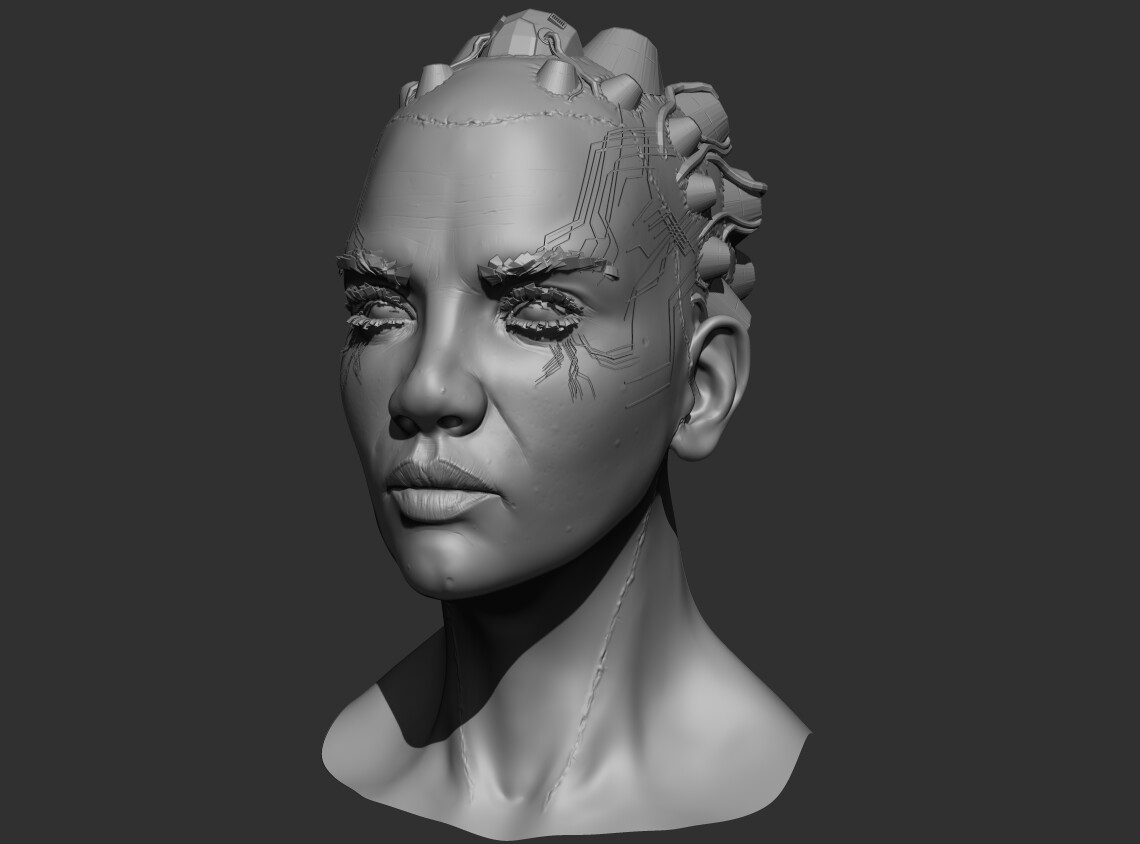
The "circuit" effect above is technique I worked out on previous project (Golem) where we needed directional gradient emission. The technique in Golem didn't use the in/out (as I call it) effect and was purely done through texture vs the above which is mesh based; but the basic principle is the same.
Gradient in/out
In this case the directional gradient is just the v-coord of the mesh and the mesh becomes the "flow". That, however, is not a requirement - the effect takes a gradient and in this case (since it's the in/out effect) and "reveals" a portion of it using the gradient supplied to define the direction.
What makes this fun is that multidirectional "flows" can be created which can be seen here (again in Golem the upper smoothstep is omitted since it was just a "reveal":
Generating this kind of gradient can be a real pain when doing it in texture - however, Clip Studio Paint has a wonderful tool called Freeflow Gradient which lets you create fairly clean linear directional gradients (something photoshop just can't really do).
Back To the Circuit Effect
In the circuit effect there are few other little tricks used to make it feel "random". The mesh (again this could be done with texture) is assigned random vertex colors per mesh element each color channel is then used to make changes to the time and direction of the flow.
The "rotating mask" is a derivative form of the mesh flip book technique I learned from the brilliant work of Klemen on twitter which is then used as mask to reverse the gradient causing the in/out effect to travel the opposite direction. The other vertex color channels are used to give each "circuit" a different time scale and "in/out" bar width.